Work/
Best Buy

An app eight million stronger

Giving customers more reasons to open the app.

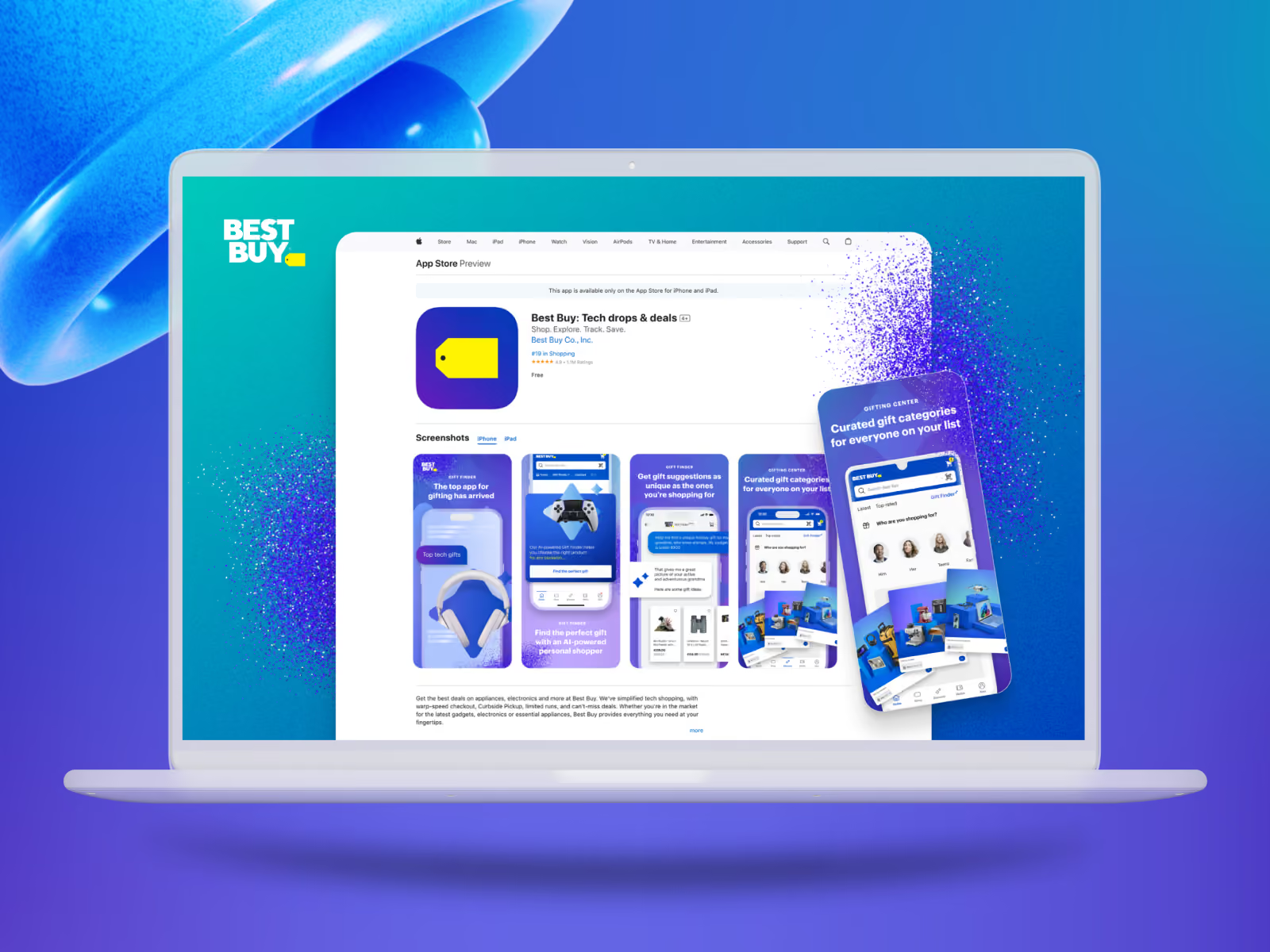
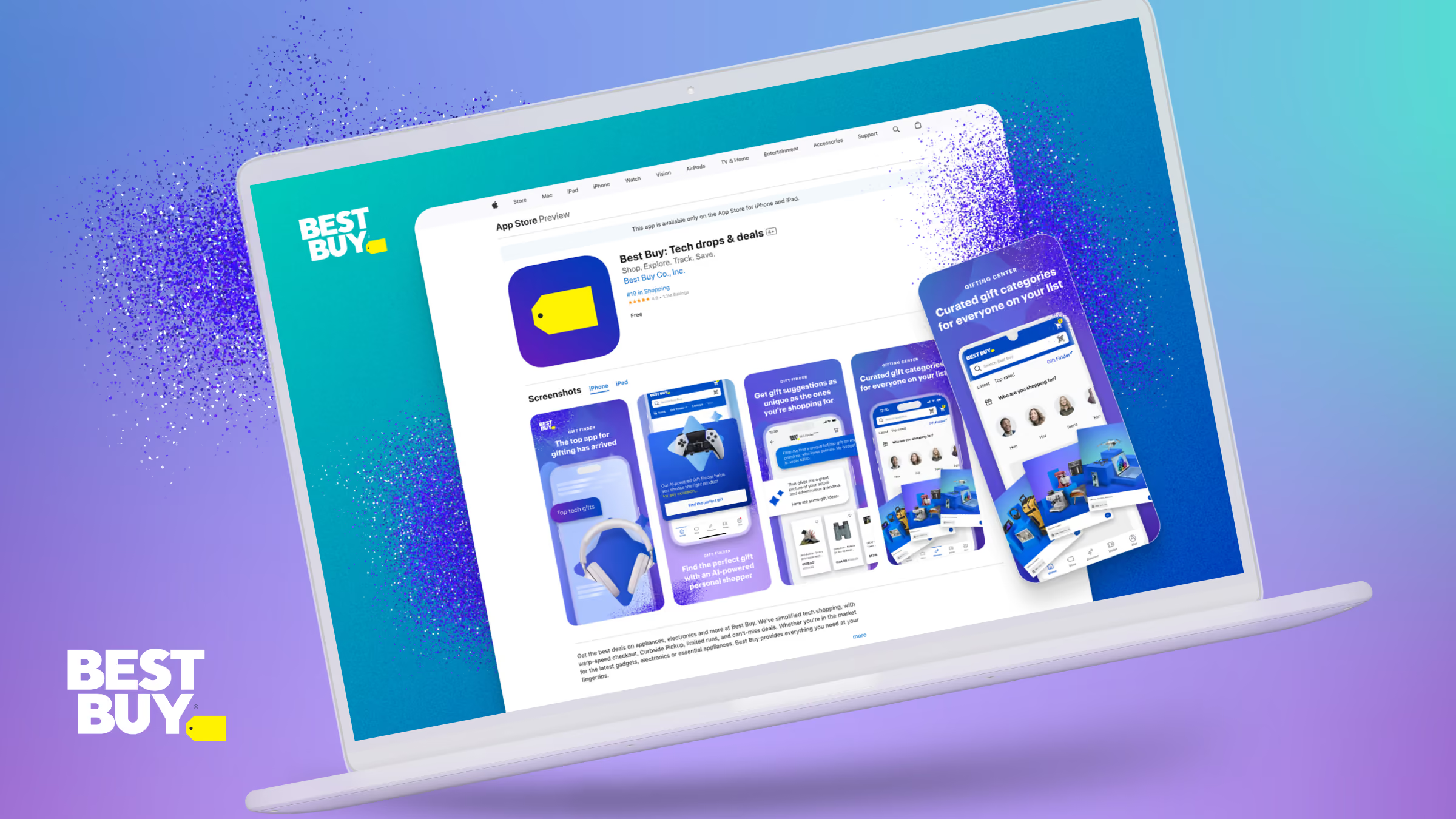
Best Buy’s app store listing on a laptop screen, showing the app’s screenshots
Client
Best Buy
Role
Primary design partner
Timeframe
2 years
Stage
Shipped
Platforms
Mobile app and web
Focus
App growth strategy and design

Best Buy’s best customers were already in the app. Best Buy’s app grows when customers have a reason to open it. Best Buy’s app growth program added eight million people over two years.

The challenge

Growing past them was the company’s top priority, and every leader in the building had a different idea for how.

The idea

We shaped the strategy with key leaders and designed those reasons across the app and its app store listing.

The outcome

The reasons became one journey, from the app store listing to a gamified loyalty framework for the return visit. We designed Manage Communications to grow opt-in by handing customers control over what Best Buy sends them.
The outcome
The approach

Each piece gives customers a reason to come back.

Discover

We looked at what Best Buy had in place across the app and its store listing, and at what brings customers back.

Design

We designed several pieces side by side, each one a new reason for customers to open the app.

Test

Each piece that went ahead got its own test. We brought our favorite, and customers had the final say.

Deliver

Each tested piece moved forward on what it taught us, so Best Buy could go to market with confidence.

Manage Communications

Communications control is customer service

A notification only helps when the customer wants it. We designed Manage Communications to put customers in charge of what Best Buy sends them.
Push turned on

<40%

Most customers had notifications off when the work began.

Best Buy’s figure.

Opt-in with a choice

76%

Customers said they’d turn notifications on if they could choose what Best Buy sends and how.

Best Buy Experience Design research, 500 customers.

One-page concept

60%

In a concept test, customers picked everything on one page over menus to drill into.

Best Buy Experience Design research, 50 customers.

The name

48%

Manage Communications was the top pick in a naming test.

Best Buy Experience Design research, 50 customers.

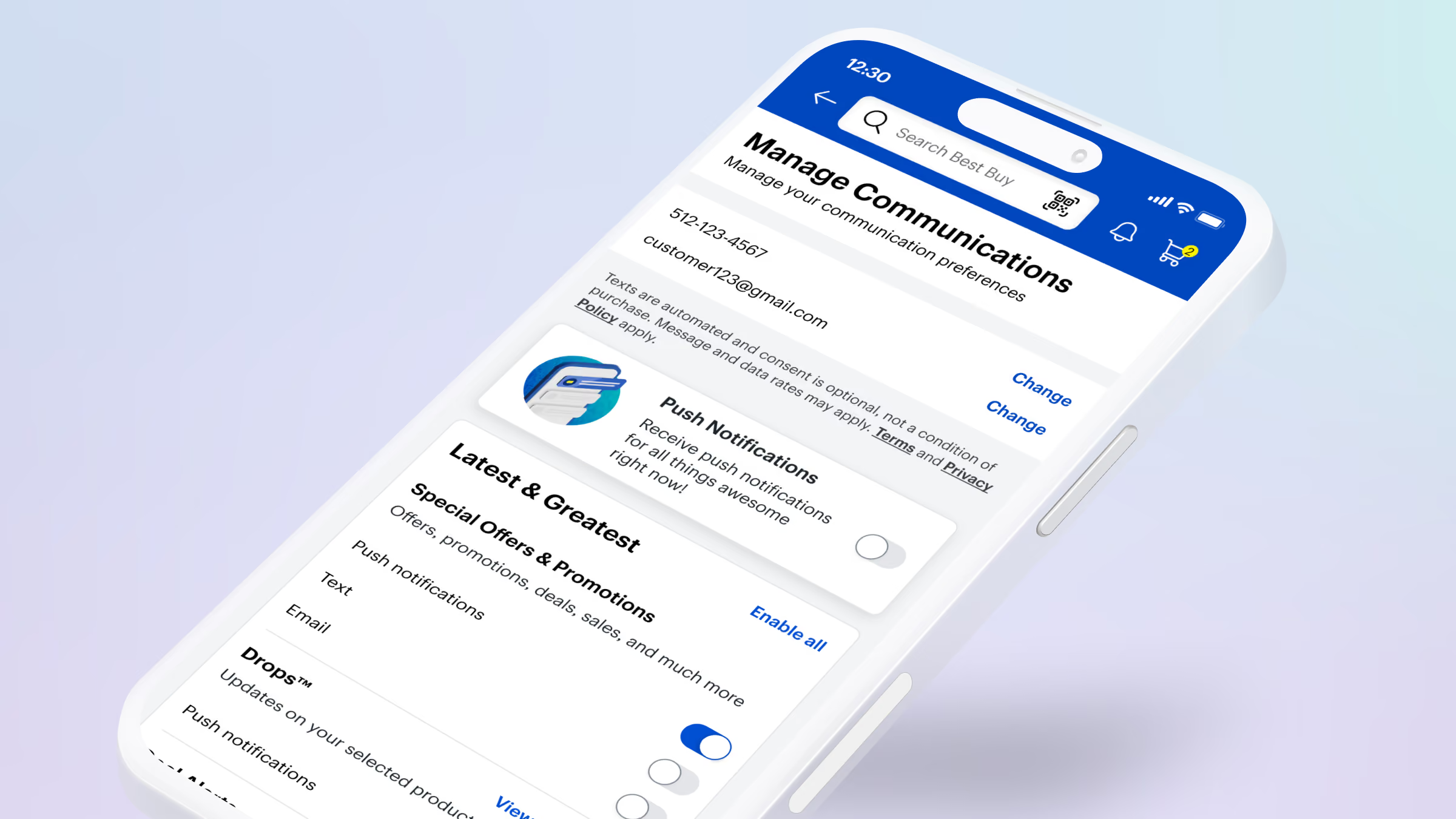
Smartphone screen showing a communication preferences management app with options to change contact details, toggle push notifications on or off, and enable or disable various promotional offers via text and email.
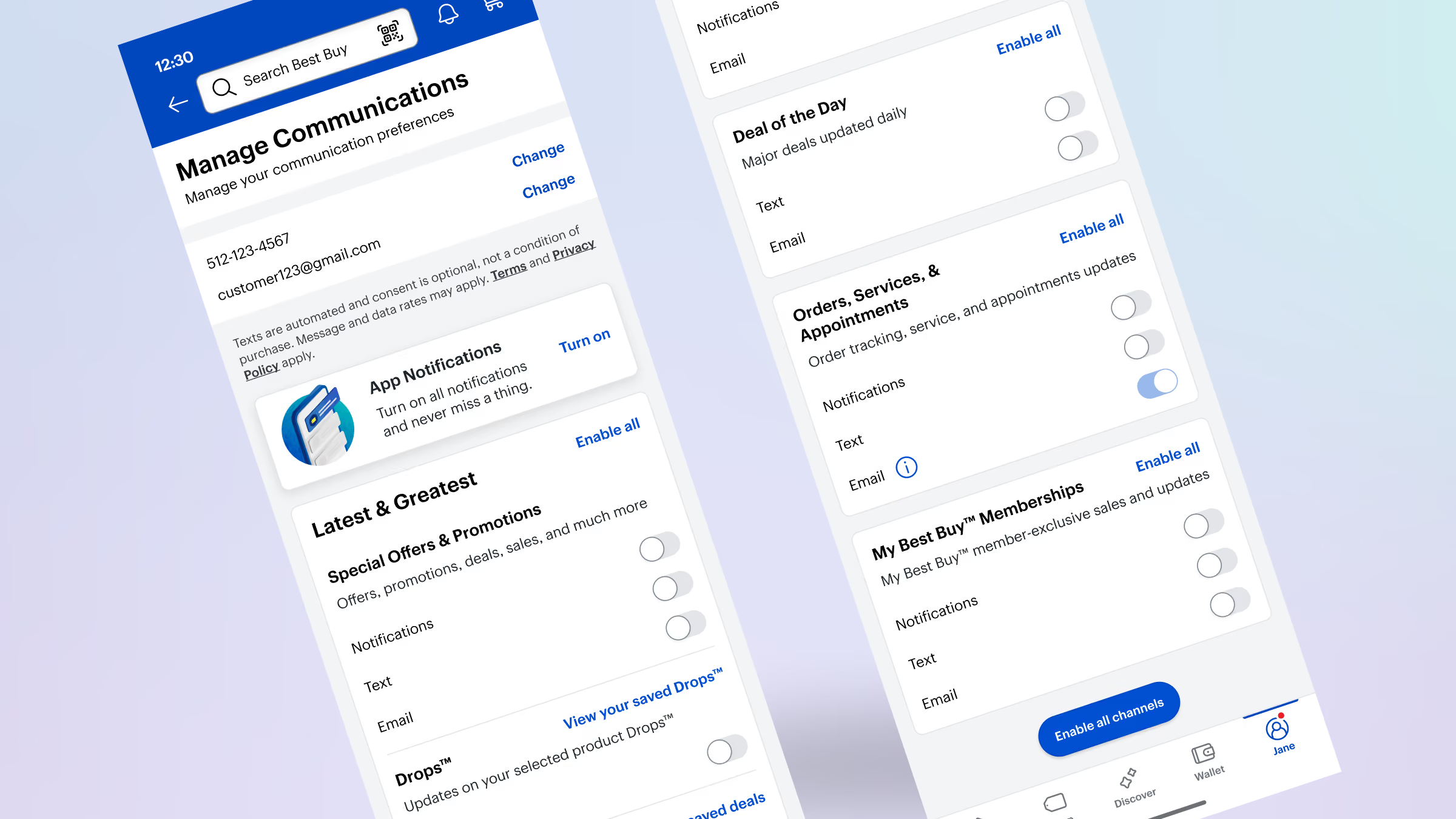
Mobile app screen showing 'Manage Communications' settings with options to enable or disable notifications via text and email for categories like Latest & Greatest offers, Deal of the Day, Orders & Appointments, and My Best Buy Memberships, plus app notifications toggle and an 'Enable all channels' button at the bottom.
Flow diagram of the Manage Communications screens and the decision points between them.
Management communications flow diagrams
Brand illustration

Craft as a growth strategy

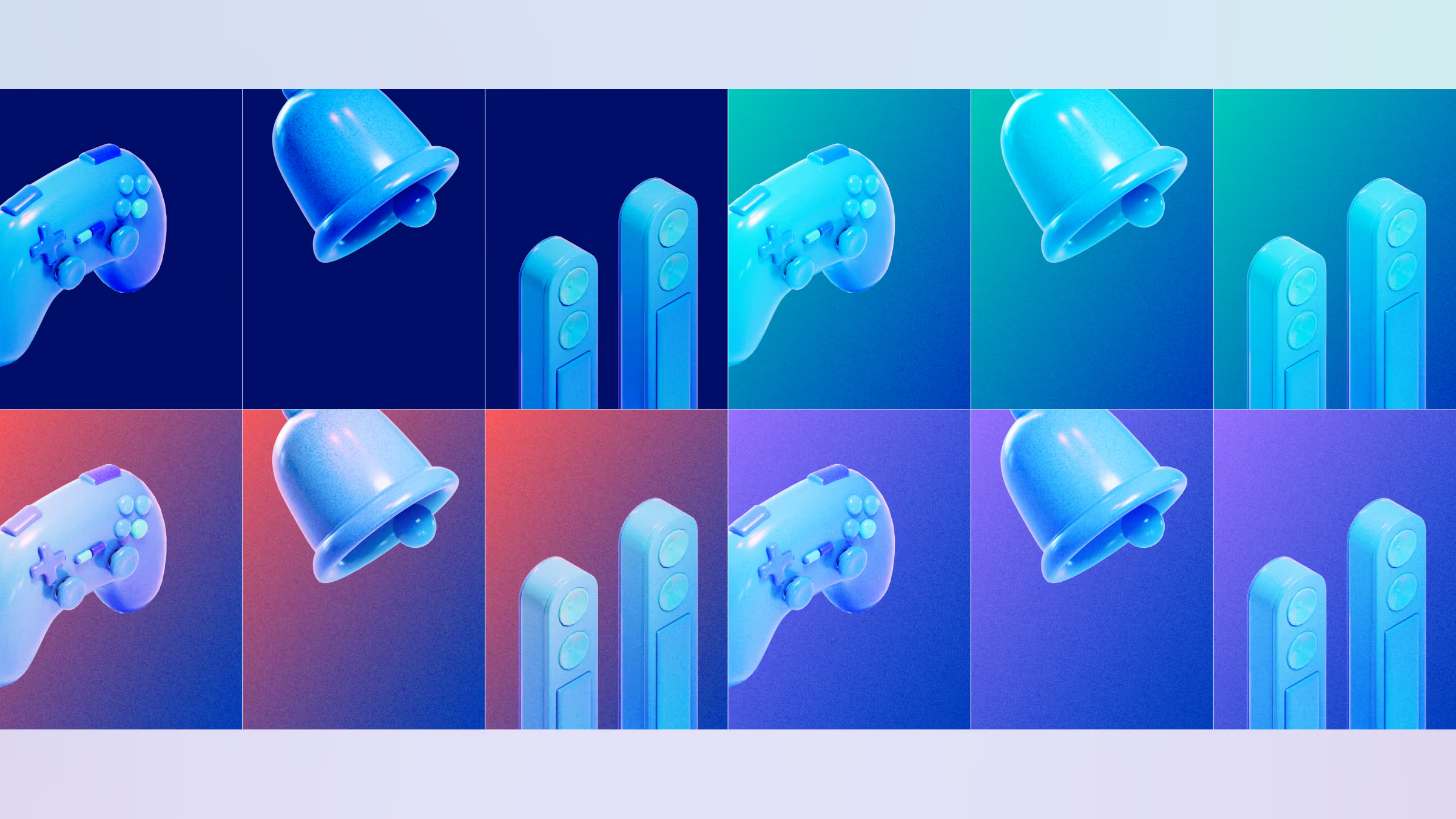
Illustration and visual design are arguably the most valuable method to build brand value and connection with customers. We wanted to modernize the visual language for Best Buy and provided this direction with 3D and WebGL.

First impression

50 ms

People judge how a site looks before they read a word of it.

Google Research; International Journal of Human-Computer Studies.

Credibility

46%

Nearly half of consumers weighed a site’s look when deciding whether to trust it.

Stanford Persuasive Technology Lab, 2,684 consumers.

Points of added revenue growth

32

Companies that lead on design grew revenue faster than their peers over five years.

McKinsey, The Business Value of Design, 300 companies.

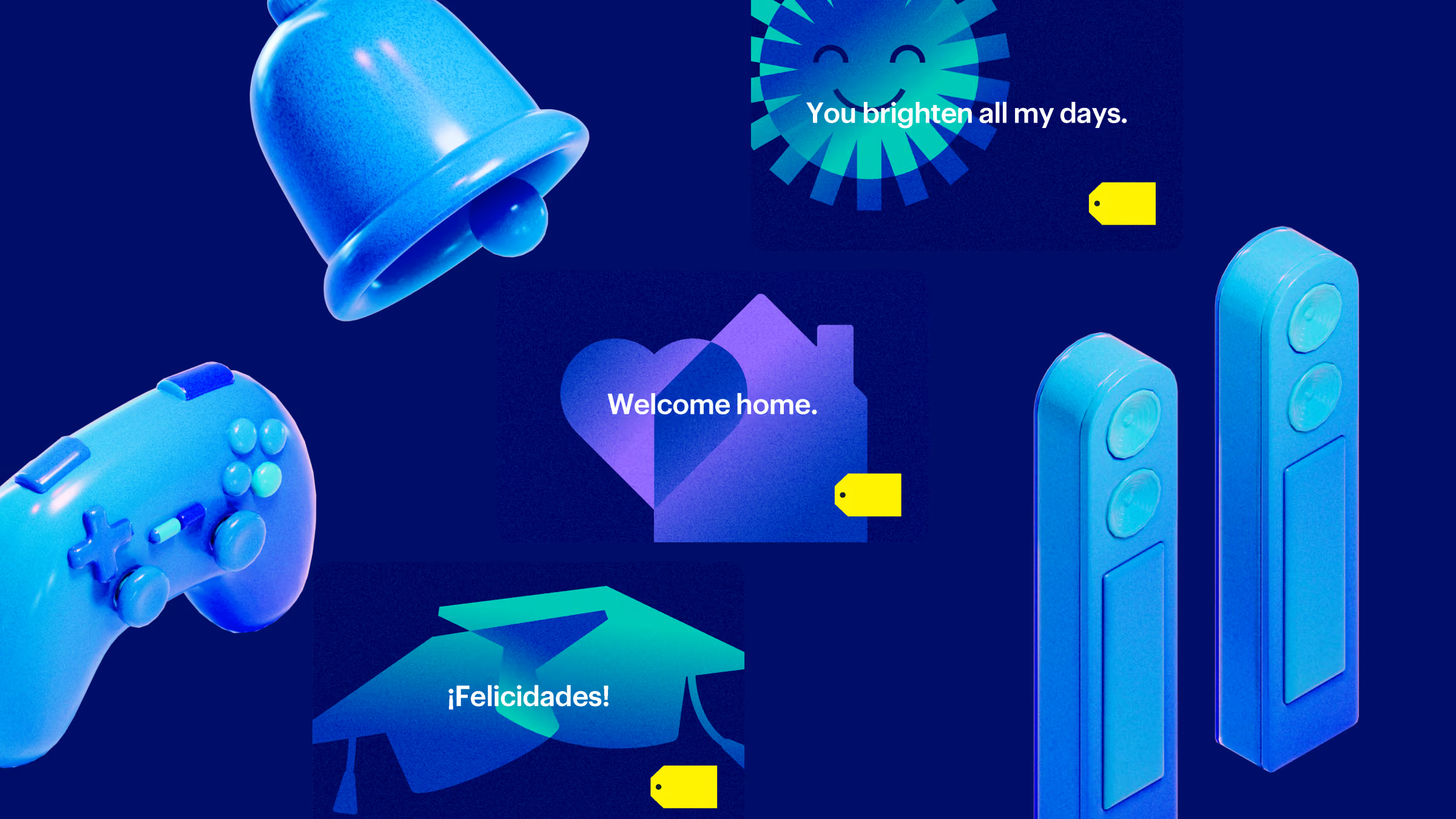
Blue-themed illustration featuring a bell, a video game controller, two smart doorbells, and three cards with messages: 'You brighten all my days.', 'Welcome home.', and '¡Felicidades!' on a dark blue background.
Grid of twelve squares showing digital game controllers, notification bells, and motion controllers in blue with gradient backgrounds transitioning from dark blue to purple and teal.
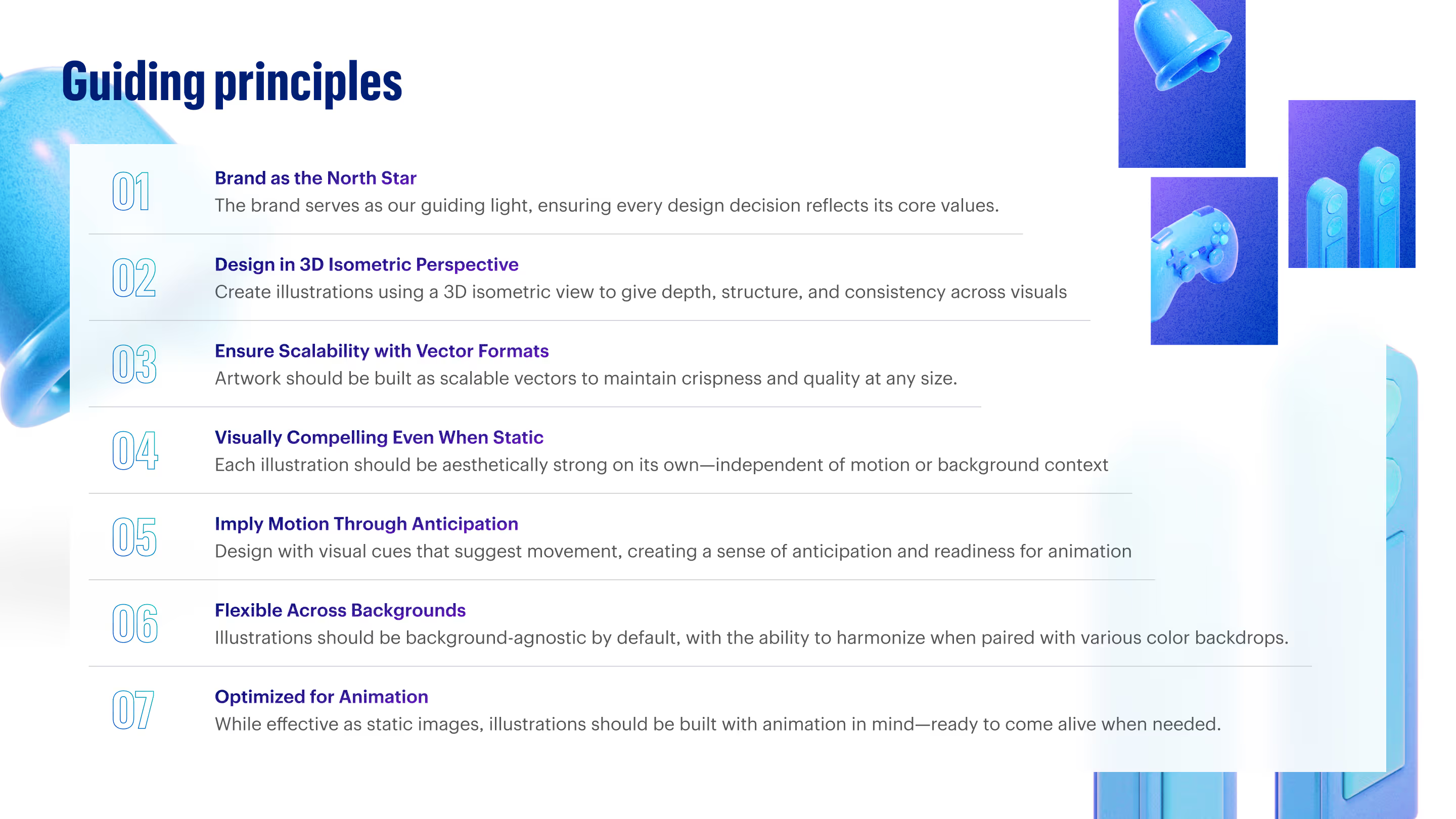
A list titled 'Guiding principles' with seven numbered points: 1. Brand as the North Star - guiding light for design aligning with core values; 2. Design in 3D Isometric Perspective - use 3D isometric views for depth and consistency; 3. Ensure Scalability with Vector Formats - artwork as scalable vectors for quality; 4. Visually Compelling Even When Static - standalone aesthetic strength; 5. Imply Motion Through Anticipation - visual cues suggesting movement; 6. Flexible Across Backgrounds - background-agnostic illustrations; 7. Optimized for Animation - built with animation potential to activate when needed. The text is accompanied by blue 3D isometric graphic elements on the right side.
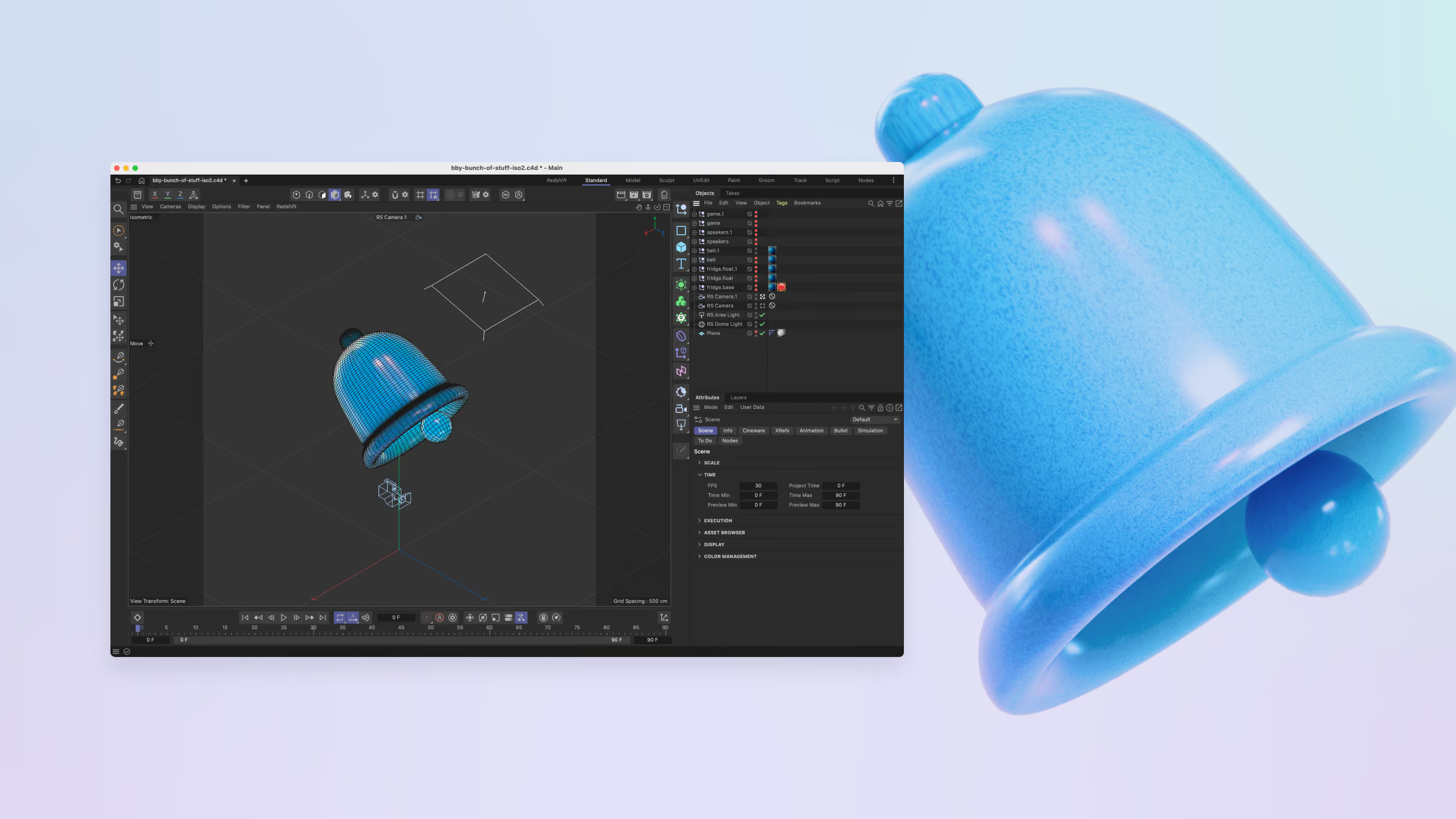
3D modeling software interface displaying a blue bell-shaped object in the workspace and layers panel, with a large blue bell rendered on the right side on a light gradient background.
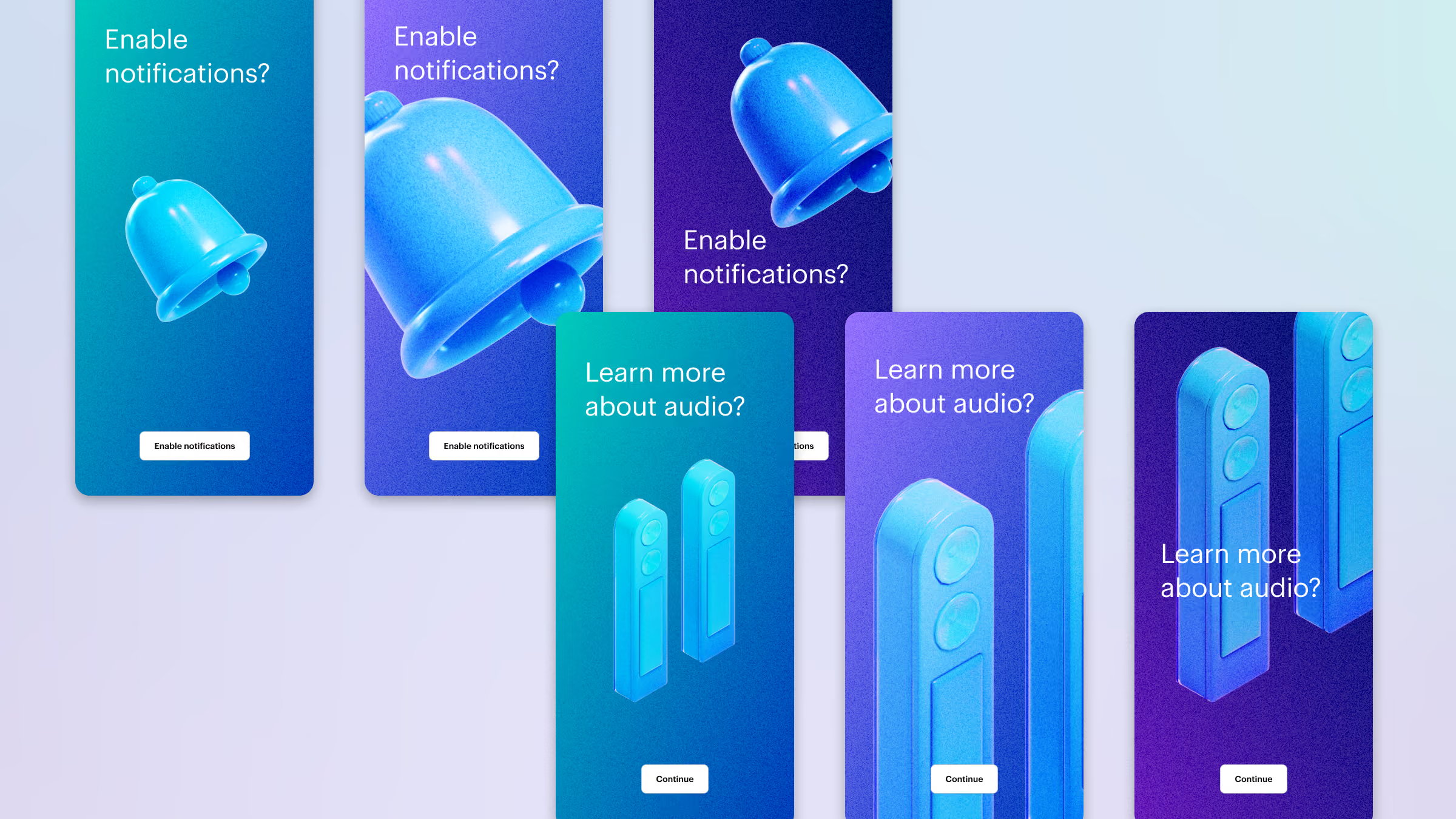
Six smartphone screens with gradient blue and purple backgrounds showing two different prompts: three screens ask 'Enable notifications?' with 3D blue bell icons and a white button labeled 'Enable notifications'; the other three screens ask 'Learn more about audio?' with 3D blue speaker icons and a white button labeled 'Continue.'
Gamification

Loyalty made fun

Every team at Best Buy had something to ask of customers. We treated gamification as a way to get customers to act.

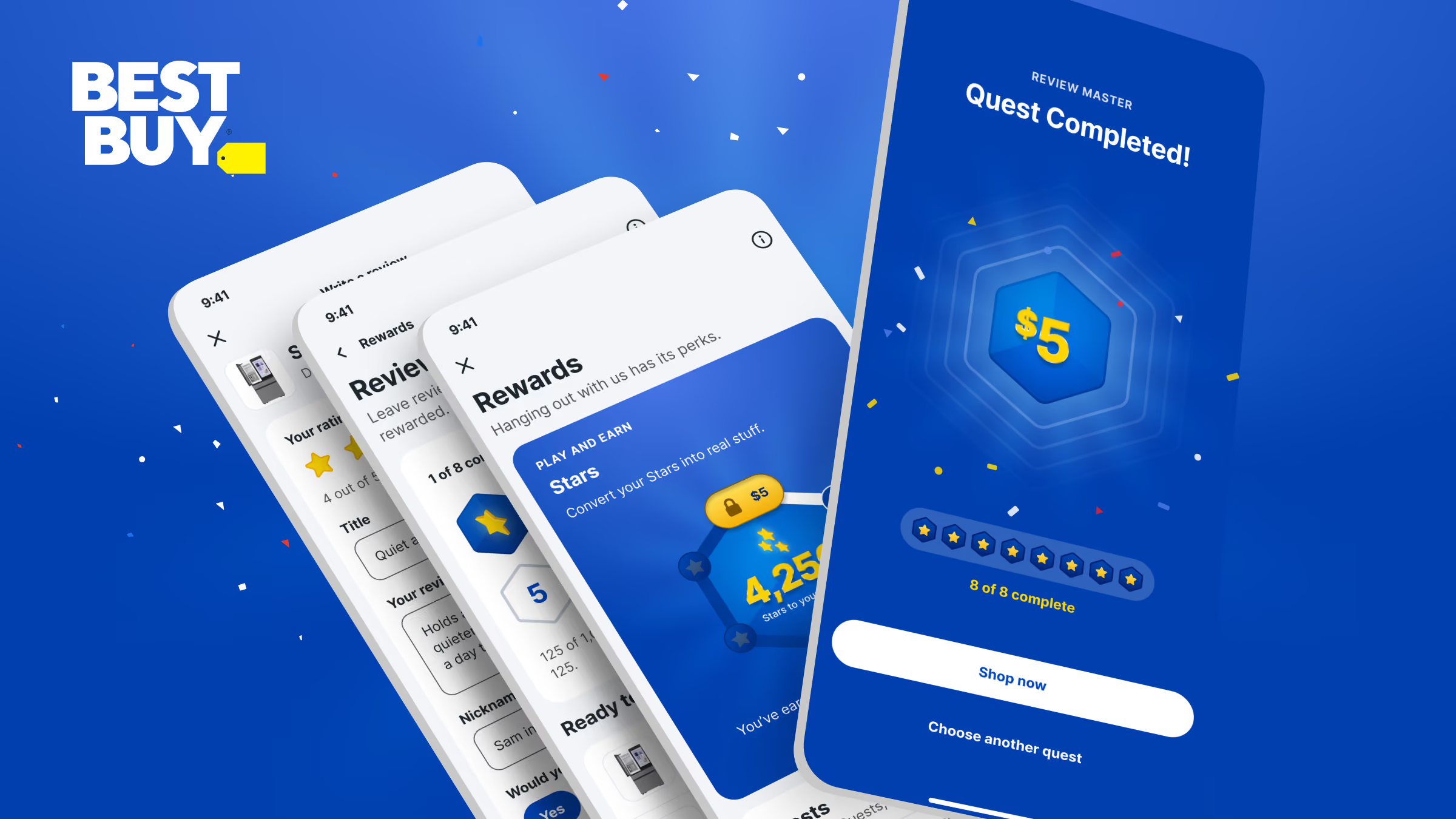
Best Buy promotional graphic showing mobile app screens highlighting a rewards program where users earn stars and complete quests, with a $5 reward displayed on the final screen.
Navigation

Global nav redesign

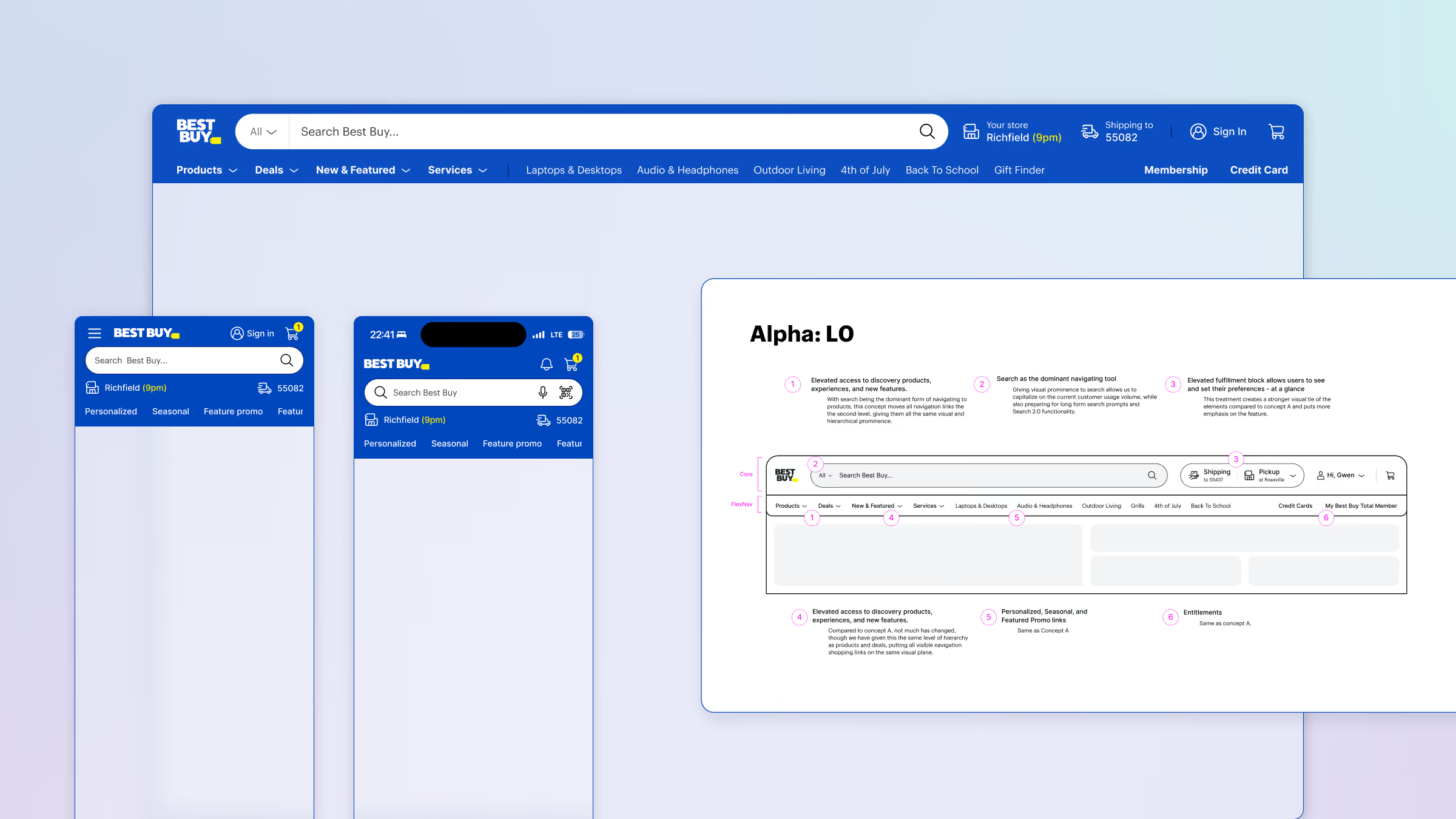
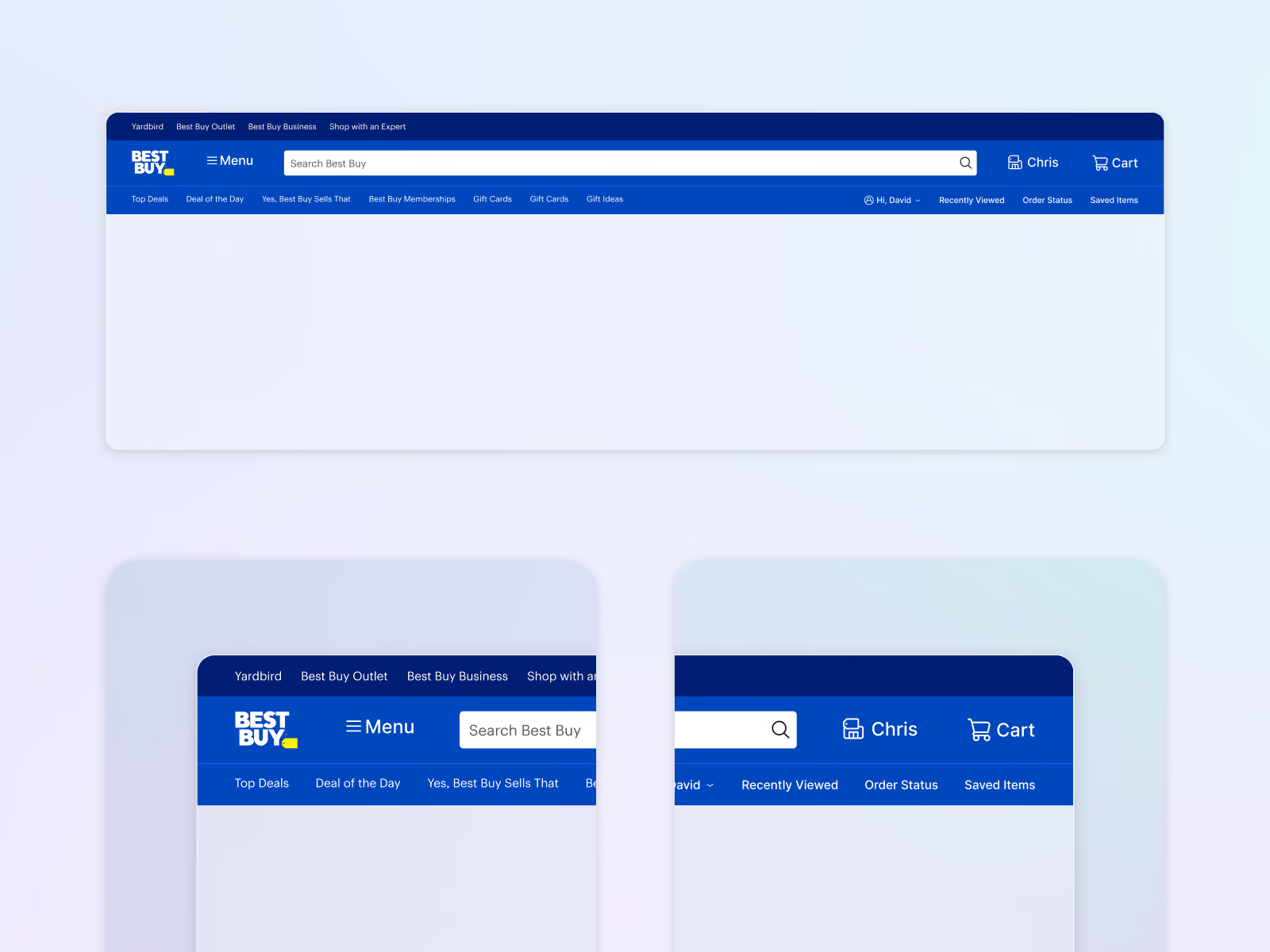
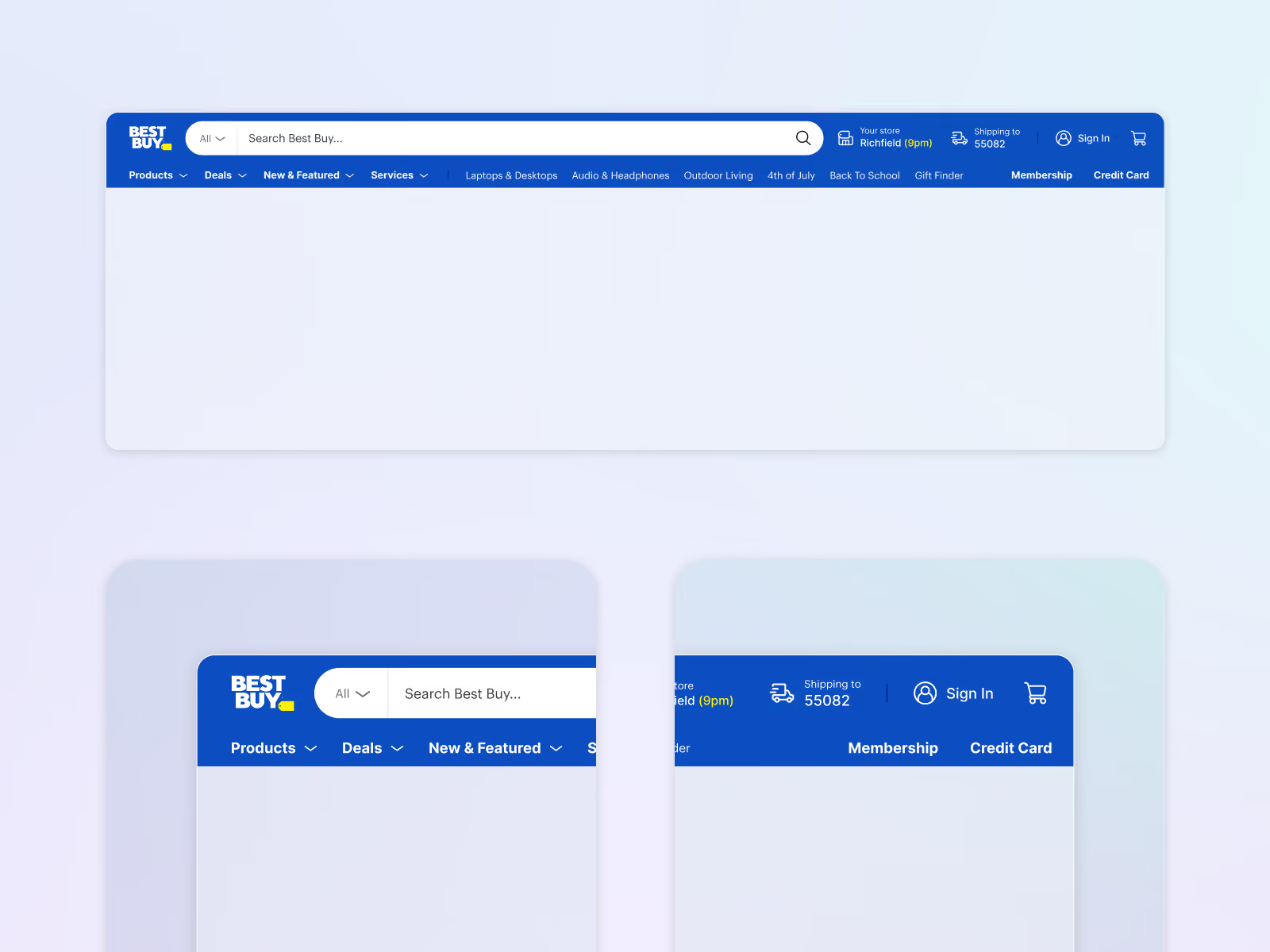
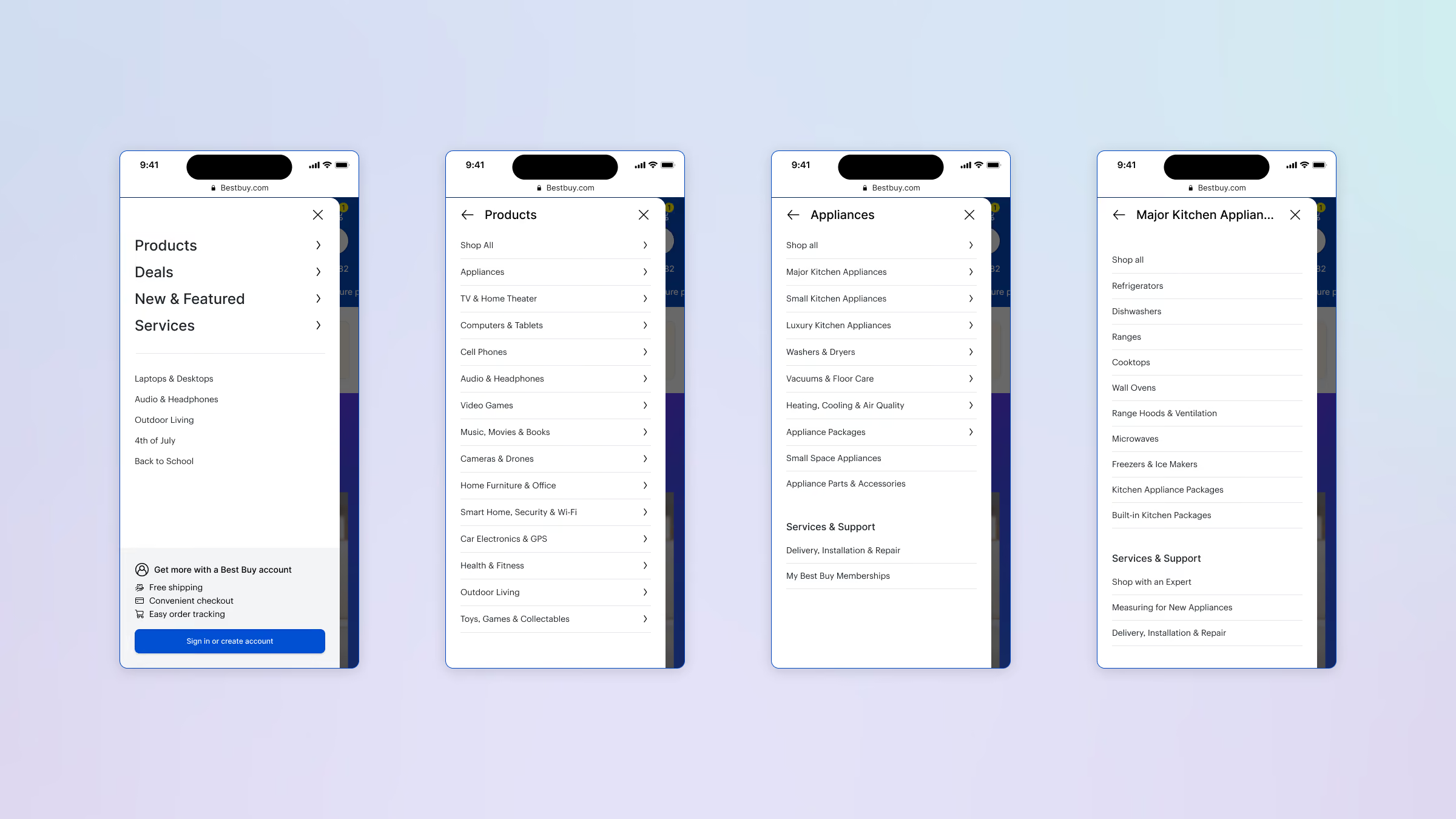
Navigation is your most valuable asset in any digital medium. It’s a user’s door to finding and discovering stuff. We completely revamped the UX/UI for navigation across app and web.

Screenshots showing Best Buy website navigation and mobile interface design with a desktop nav bar on top and a smaller mobile version below, alongside a detailed design guide labeled 'Alpha: LO' explaining components such as search, deals, shipping, pickup, user sign-in, and membership features.
Four smartphone screens showing a navigation menu flow on Bestbuy.com. The first screen shows main categories: Products, Deals, New & Featured, Services, with a prompt to sign in or create an account. The second screen displays Products subcategories like Appliances, TV & Home Theater, Computers & Tablets, Cell Phones, Audio & Headphones, Video Games, and more. The third screen focuses on Appliances categories, including Major Kitchen Appliances, Small Kitchen Appliances, Luxury Kitchen Appliances, Vacuums, Heating & Cooling, Appliance Packages, and Services & Support. The fourth screen details Major Kitchen Appliances like Refrigerators, Dishwashers, Ranges, Cooktops, Wall Ovens, Microwaves, Freezers, and support options.
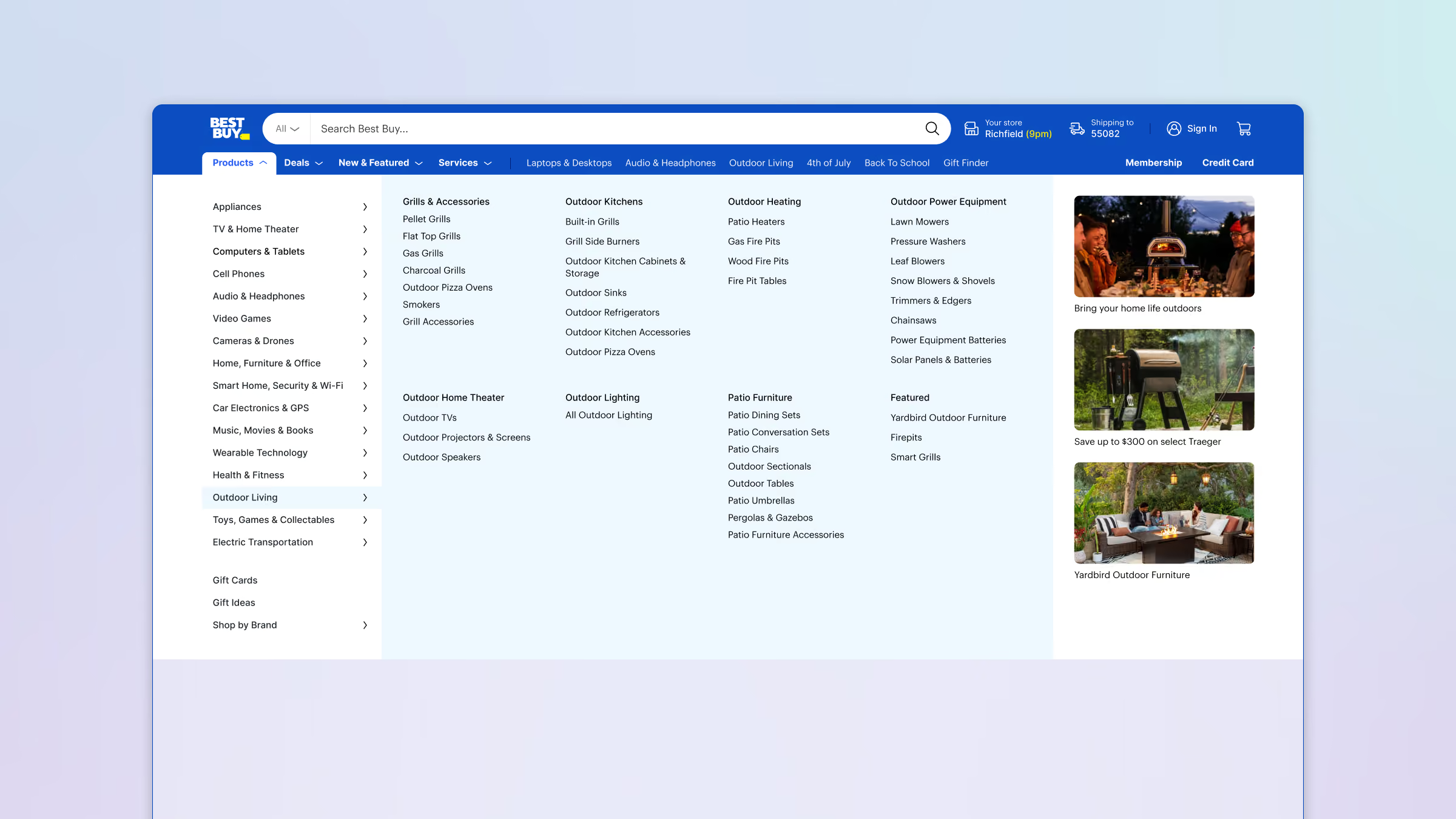
Best Buy website navigation menu expanded under Outdoor Living category showing subcategories like Grills & Accessories, Outdoor Kitchens, Outdoor Heating, Outdoor Power Equipment, Outdoor Home Theater, Outdoor Lighting, Patio Furniture, and Featured, with product examples on the right including lawn mowers, fire pits, outdoor speakers, and outdoor furniture with promotional text.
App store optimization

A store listing with a reason to download

Growing Best Buy’s app store presence was a huge factor in the mission. The store hadn’t been updated in years. We looked at this as a major missed opportunity and capitalized on it.

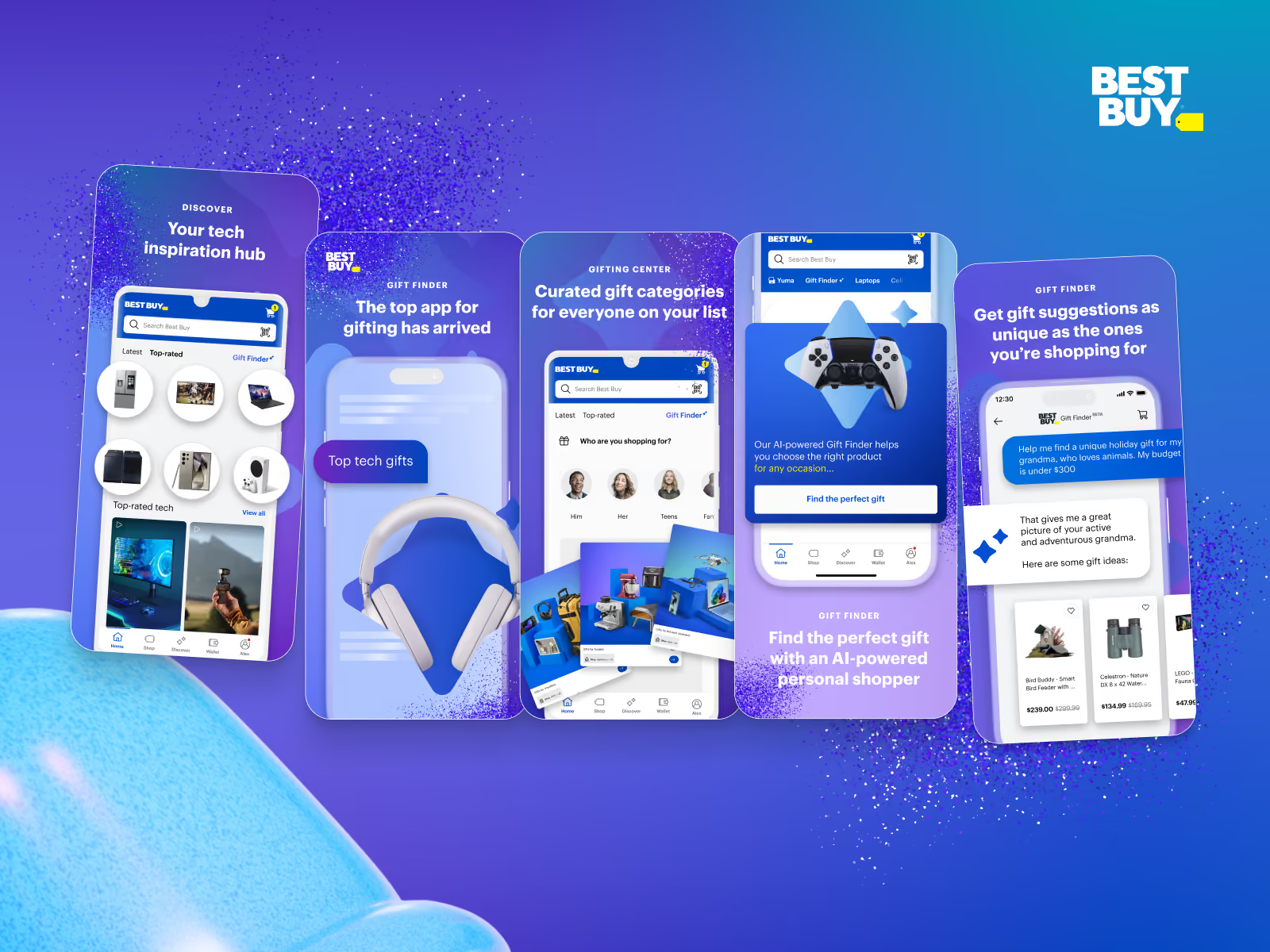
Five smartphone screens showing Best Buy's gift finder app features including tech inspiration hub, curated gift categories, AI-powered gift suggestions, and personalized shopping for occasions, highlighting headphones, gaming controller, and gift ideas from a chatbot.
Open laptop displaying Best Buy Tech drops & deals app preview on App Store, featuring screenshots of the app interface showing curated gift categories, tech gifts, and a personal shopper assistant against a blue gradient background with blue 3D shapes.
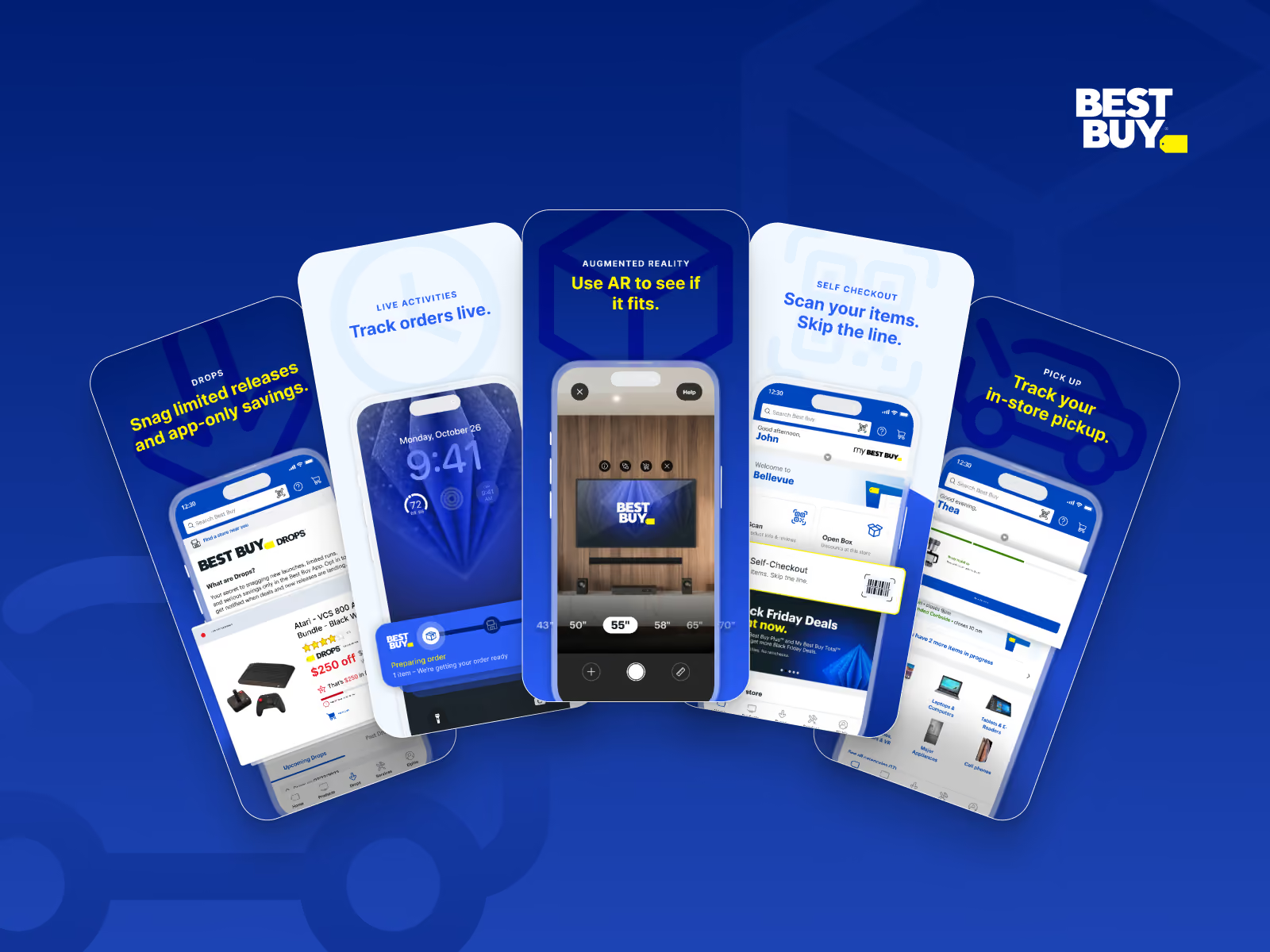
Five smartphones display Best Buy app features against a blue background with the Best Buy logo in the top right corner. From left to right: 1) Best Buy Drops page highlighting limited releases and app-only savings, 2) Live Activities tracking orders in real time, 3) Augmented Reality feature to use AR to see if products fit, 4) Self Checkout option to scan items and skip the line, 5) In-store Pickup tracking. Key feature descriptions are in yellow and blue text above or below the screens.
By the numbers

Interesting stats

The program grew the app, and the numbers around it show why a reason to open it matters.

New people in the app

8M

Best Buy’s app growth program added them over two years.

Program total. Best Buy’s figure.

Online share of sales

34%

Web and app orders carry this much of Best Buy’s domestic business, so app growth shows up in sales.

Domestic online revenue. Best Buy Form 10-K.

Gamified loyalty

81%

Customers surveyed found a game in their rewards program desirable.

Best Buy Experience Design research, 424 customers.

Messages sent, not sought

84%

Customers would rather have updates sent to them than go looking in a notification center.

Best Buy Experience Design research, 500 customers.

Next case

LillyDirect

Patient chat and the agent’s console, designed as one experience.

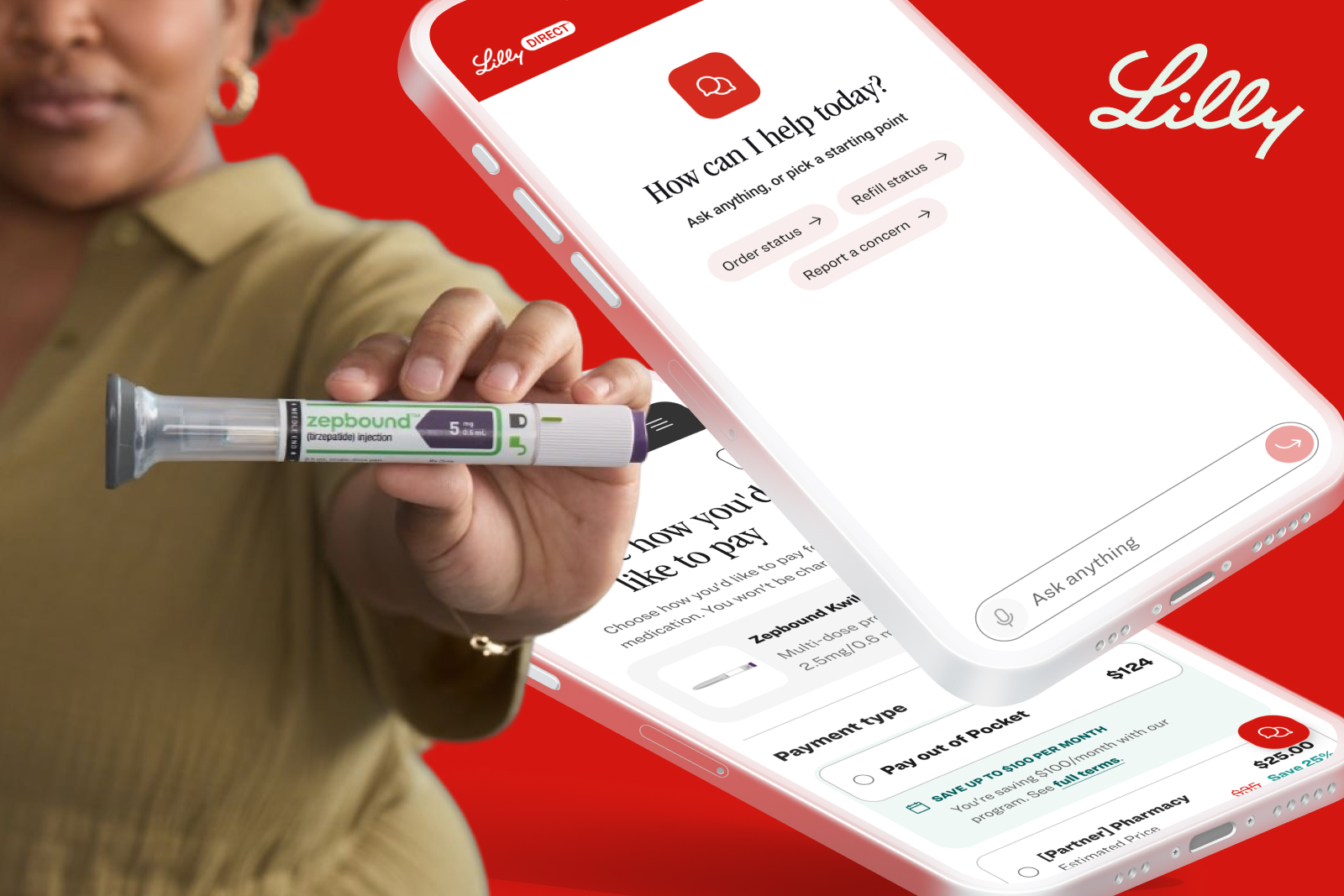
Two phones showing LillyDirect chat, with its opening help prompt and shortcuts for order status and refills